Event Software Solutions to Empower Event Creators

With Timely event software, event professionals all over the world can make the best of their events, training programs and venues. All in one event platform!
Trusted by over 150,000 event creators worldwide
- UPS
- AT& AT
- COMMSCOPE
- Adobe
- AVON
- Stemcell
- Stanford
- Bristol University
- Radancy
- Radancy
Manage Events, Training Programs and Venues with Timely Events Software Solutions
For us, every special occasion deserves to be in a calendar. From community events and webinars to fundraising galas and large training conferences. Timely event platform is robust and flexible enough to meet all your event technology needs.
Manage Events More Efficiently
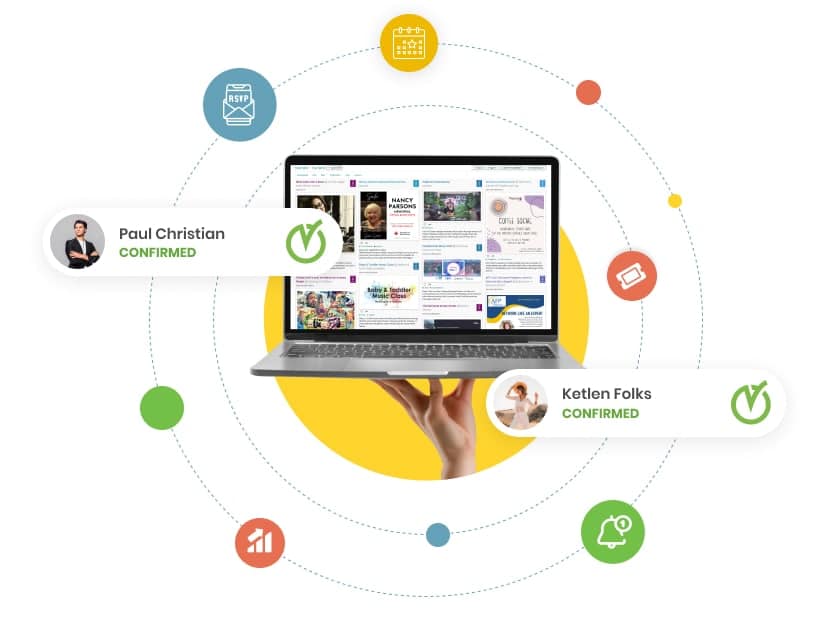
Create a beautiful events calendar for your website and promote events in an automated way. Accept online event registrations and payments, manage attendees, and check them in at the door.
Obtain accurate event data to support your business decisions. Achieve greater event ROI by centralizing your event management efforts into a single event platform
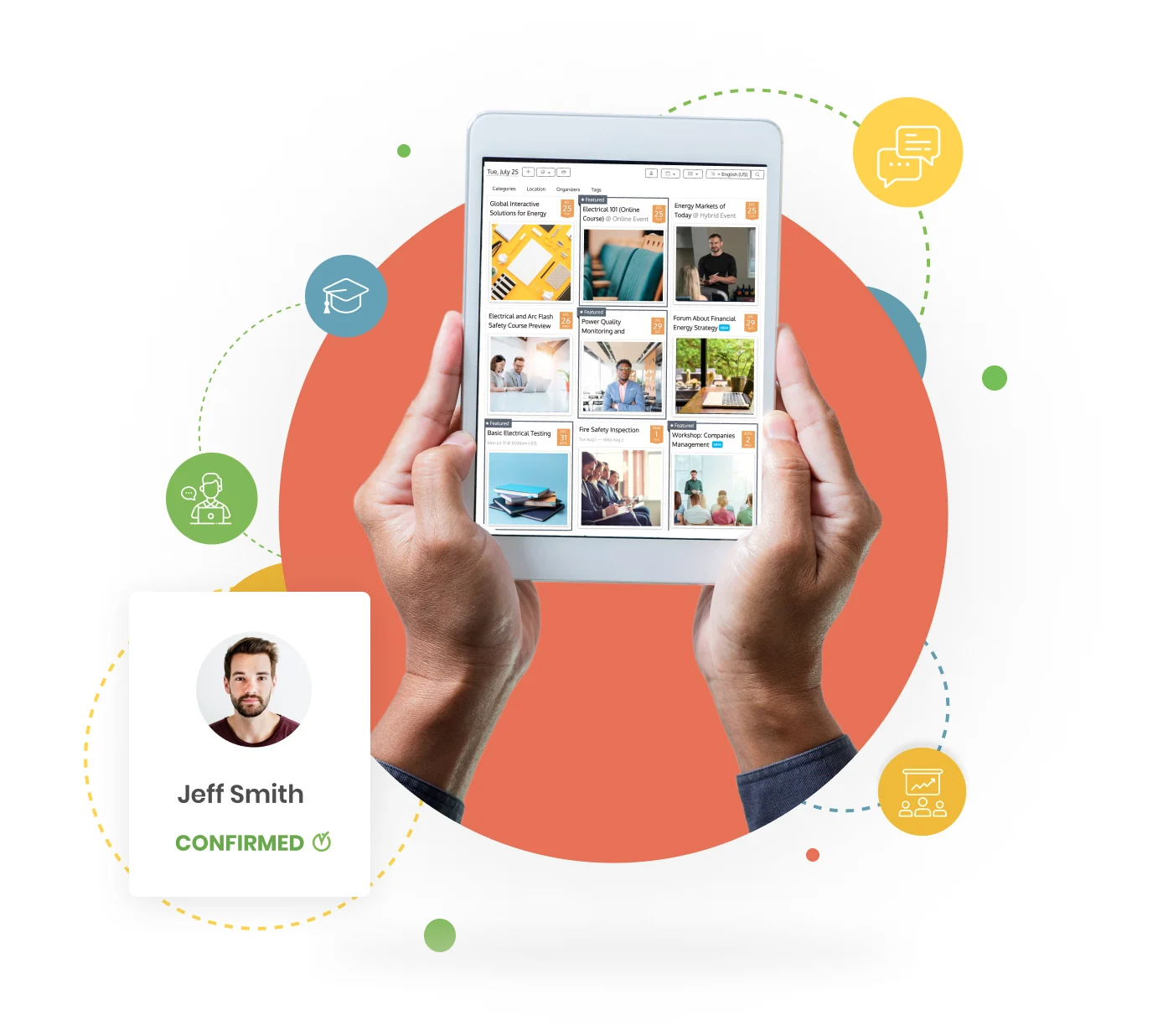
Streamline Training Operations
Optimize Bookable Spaces
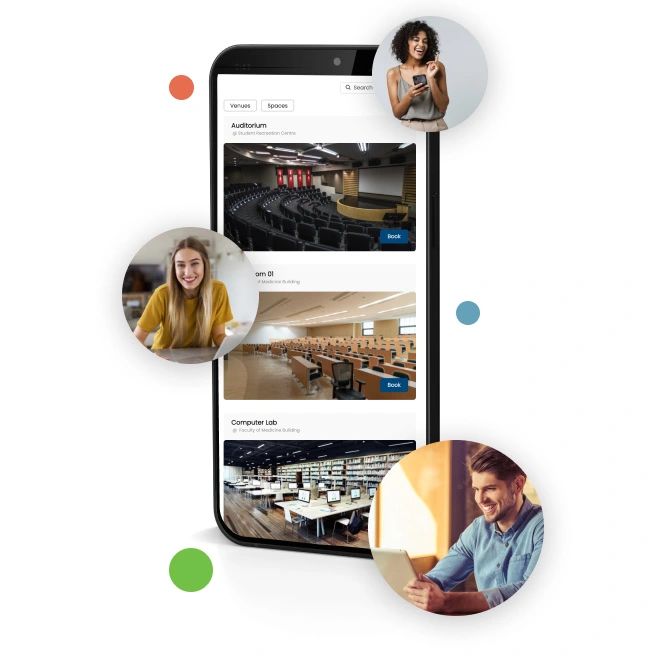
Welcome online venue bookings and rentals directly from your website or mobile app, increasing convenience for your customers, guests and employees. Use automations to avoid room overbooking, and wasting valuable time rescheduling.
Better manage your room inventory, and generate revenue from your available spaces with Timely event software.
Install Timely Event Software on any Website or Mobile App
Our event platform can be embedded on any public or private website or mobile application. It works perfectly with HTML, WordPress, Squarespace, Weebly, Tumblr, Drupal and other content management systems (CMS). Just copy a code snippet from Timely’s dashboard, paste it in the backend of your site, and you are ready to go.









What Do Our Clients Say About Timely Event Platform?
At Timely, we are committed to building the best event technology, and providing the best customer experience possible.
But don’t take our word for it. Check out some customer testimonials from real clients and event industry experts.




“Timely Event Calendar looks so much better than our previous university calendar system; and the functionality is above and beyond what we used to have.”
Laura Pugh, Event Coordinator at the
University of Bristol



“We have considered other calendars, but we chose Timely because it integrates well and looks great on our website. In addition, it is easy to use and feature rich.”
Cheryl Makaro, National Field Training
Manager at The Avon Company Canada




“After checking other event calendars, Timely stood out higher. It had every feature we needed, the user experience was great, and the price was right. It was an easy pick!”
Julia Chalmers, Marketing Coordinator
at the City of Burlington
Safe, Secure and Reliable Software
Discover how Timely event technology can take your events, training programs and venues to the next level.
Custom Features
White label application that allows many design customizations, including font, colour, background, logo and unique content. Customize your online calendar, landing pages and even confirmation emails.
Easy to Use
Anytime and Anywhere
Since all data is stored in the cloud, your staff and clients can access your online calendar anytime and anywhere. In addition, our software is fully compatible across all devices and platforms.
PCI-DSS Compliant
Protect yourself and your customers by reducing the risk of debit and credit card data being lost. Accept online payments via PayPal, Stripe, Square, and Authorize.net – all PCI DSS certified.
High Privacy and Security
Accessible
Why Event Managers Around the Globe Love Timely Events Software?
As the event industry keeps evolving and our clients’ technology needs continue to increase, there is nothing that makes us prouder than our happy customers. At Timely, we live and breathe our values - they reflect us as a company and drive how we work every day with our customers.

Based on Timely customers reviews on



Event Technology for All!
Timely events platform is so feature-rich and versatile to meet the needs of any organization that hosts or promotes events.
No matter what your size or what business you are in, we’ve got you covered.





Say Goodbye to Spreadsheets and Disconnected Apps, and Let our First-Rate Event Software do the Heavy Work for You.